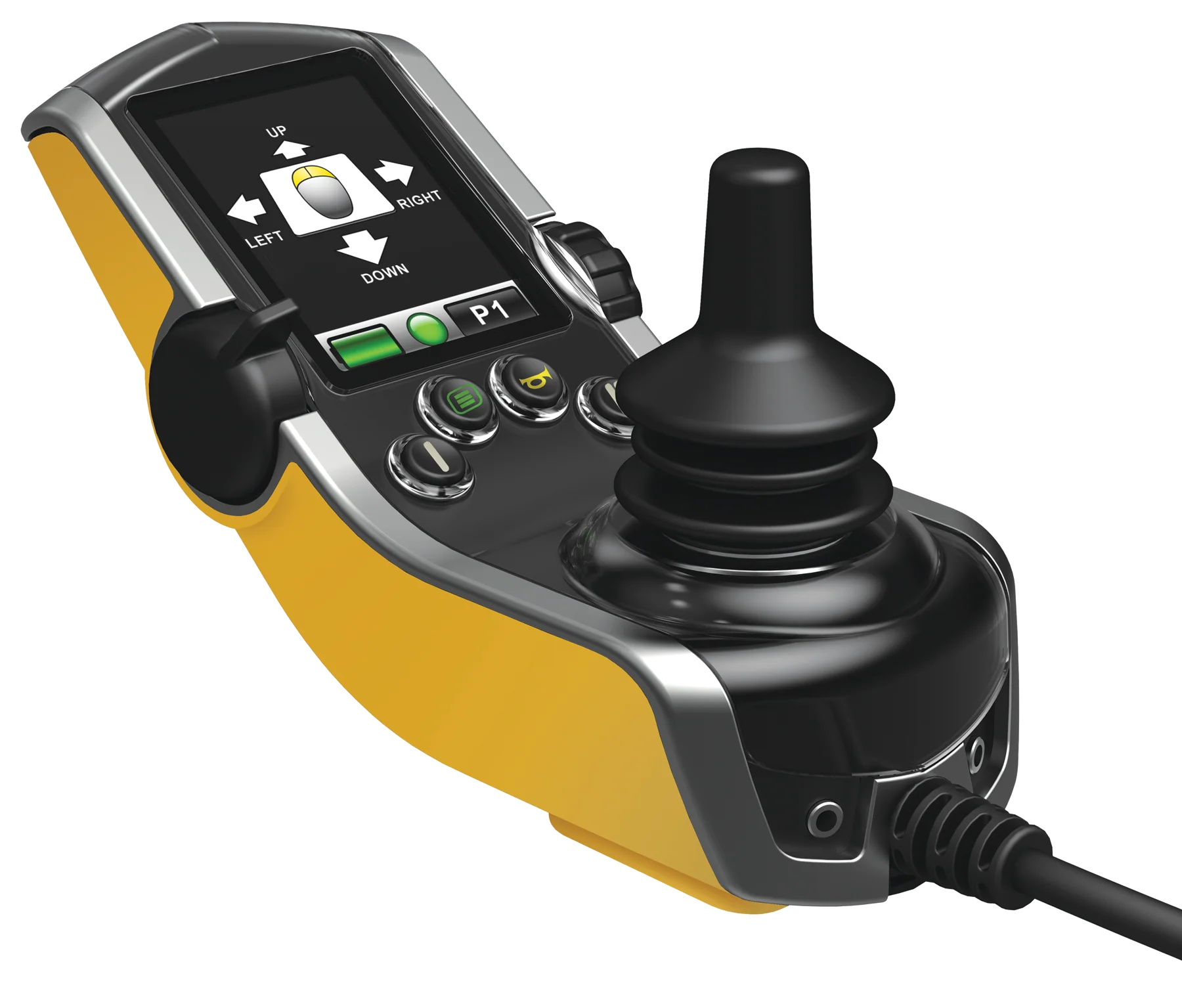
Q-Logic 3 Bluetooth
The Benefits:
Use Q-Logic 3 Bluetooth programming to pair your powerchair with a variety of devices. This allows you to operate your smart phone or tablet using your Q-Logic 3 screen.
- Program a Bluetooth mouse to work on your Windows desktop
- Apple iPhone or iPad
- Android phone or tablet
How It Works:
Use Q-Logic 3 to search for your smart device, and then enable Bluetooth on your smart phone, tablet or desktop computer. Q-Logic 3 pairs with the device, allowing you to operate your device using the joystick on Q-Logic 3.
Control Your Environment:
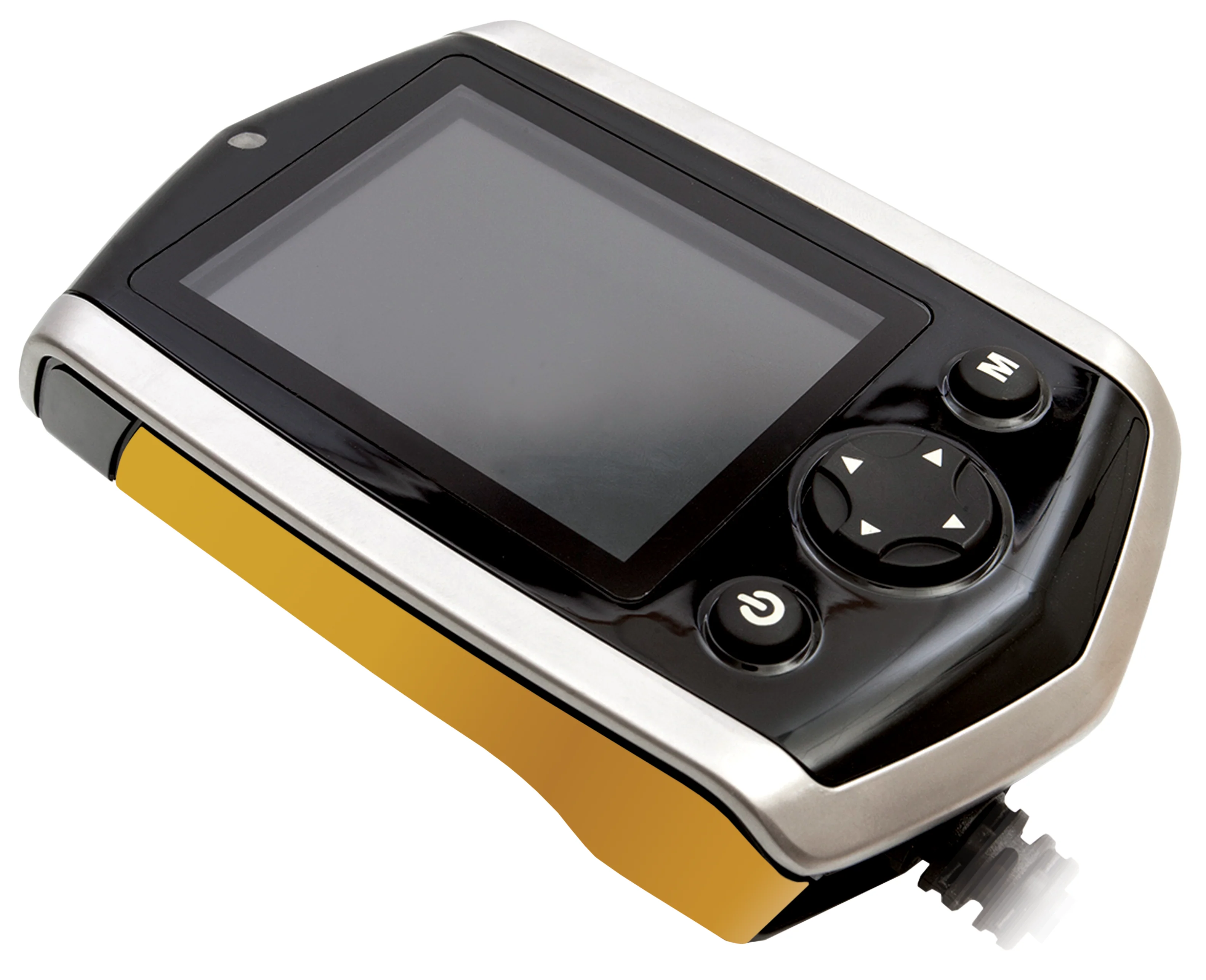
Q-Logic 3 can operate a wide range of appliances that use infrared (IR) remote controls. Use Q-Logic 3 in conjunction with the optional Q-Logic 3 EX Enhanced Display, which has built-in environmental controls.
The Benefits:
- Television: change channels, increase or decrease volume
- Thermostat: adjust temperature settings
- Lights: turn on or off, adjust dimness
- Fan: change direction, speed, turn on or off
How It Works:
Use Econ-W on your Windows desktop to program each household device. Using Enhanced Display, Q-Logic 3 learns each “signal” of each command from the household device. For example, if programming a window fan so it can be operated via Enhanced Display, each function of the fan, such as on, off, speed and change direction, has a unique signal. Select the specific function on your Q-Logic 3 EX Enhanced Display and Q-Logic 3 will communicate the signal to the household device.

Description
The Benefits:
Use Q-Logic 3 Bluetooth programming to pair your powerchair with a variety of devices. This allows you to operate your smart phone or tablet using your Q-Logic 3 screen.
- Program a Bluetooth mouse to work on your Windows desktop
- Apple iPhone or iPad
- Android phone or tablet
How It Works:
Use Q-Logic 3 to search for your smart device, and then enable Bluetooth on your smart phone, tablet or desktop computer. Q-Logic 3 pairs with the device, allowing you to operate your device using the joystick on Q-Logic 3.
Control Your Environment:
Q-Logic 3 can operate a wide range of appliances that use infrared (IR) remote controls. Use Q-Logic 3 in conjunction with the optional Q-Logic 3 EX Enhanced Display, which has built-in environmental controls.
The Benefits:
- Television: change channels, increase or decrease volume
- Thermostat: adjust temperature settings
- Lights: turn on or off, adjust dimness
- Fan: change direction, speed, turn on or off
How It Works:
Use Econ-W on your Windows desktop to program each household device. Using Enhanced Display, Q-Logic 3 learns each “signal” of each command from the household device. For example, if programming a window fan so it can be operated via Enhanced Display, each function of the fan, such as on, off, speed and change direction, has a unique signal. Select the specific function on your Q-Logic 3 EX Enhanced Display and Q-Logic 3 will communicate the signal to the household device.